


No products added!
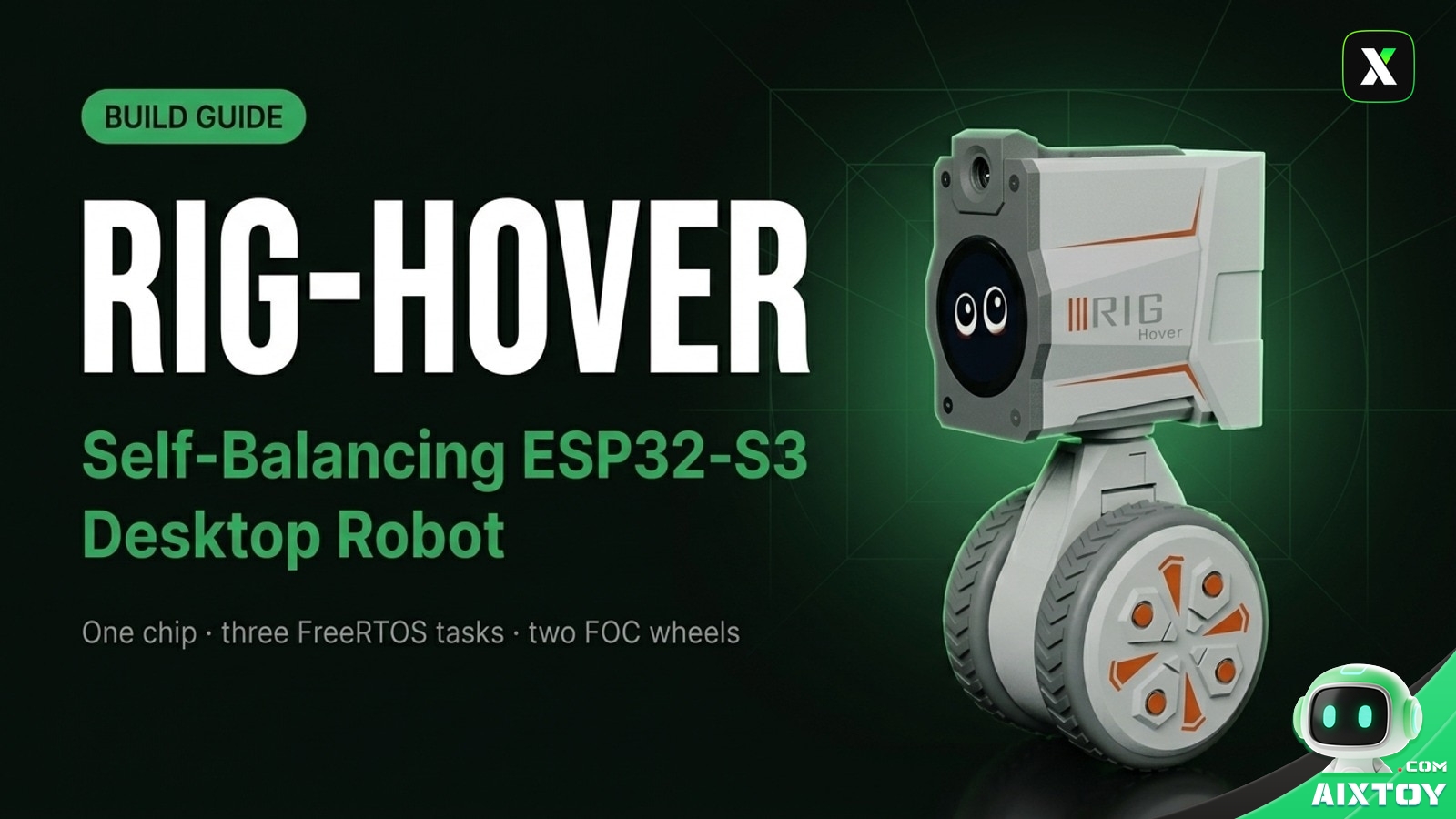
A two-wheel robot that balances on its own, blinks at you with pixel eyes and answers your voice — all built around a single ESP32-S3 with fully open firmware. That is the promise of RIG-Hover, the dual-wheel member of the RIG-Omni family from LuwuDynamics.
This guide covers what the robot actually is, how the firmware is organised, why the balance loop works the way it does, and the order in which you should bring the hardware up so your first build boots cleanly instead of turning into a debugging session.
What RIG-Hover Is — and What It Isn’t
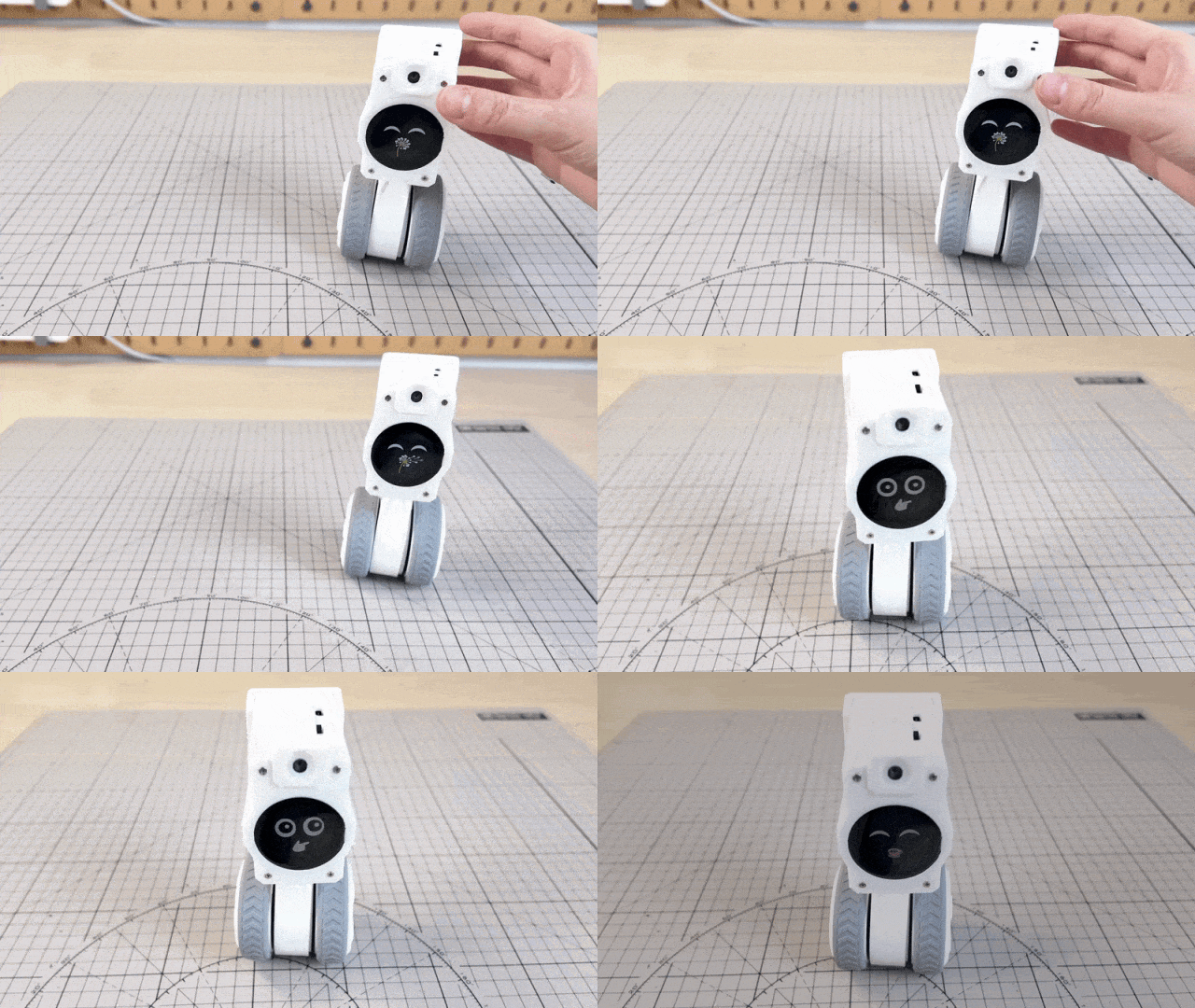
RIG-Hover packs a lot into a small 3D-printed body: an ESP32-S3 controller, a six-axis IMU, two FOC brushless motors, a 240×240 circular expression display, a camera and a digital microphone. It is not an industrial balancing platform, and it is not a local large-model box. The honest description is a desktop experiment platform for embedded multi-tasking, sensor fusion, expression animation and voice interaction.
The design deliberately departs from the usual wide-track, high-centre-of-gravity balance board. RIG-Hover uses a narrow, low-slung two-wheel layout with an independent head servo, so it can glide, turn and shift posture across a desk, a book or a keyboard.
One Firmware, Three Form Factors
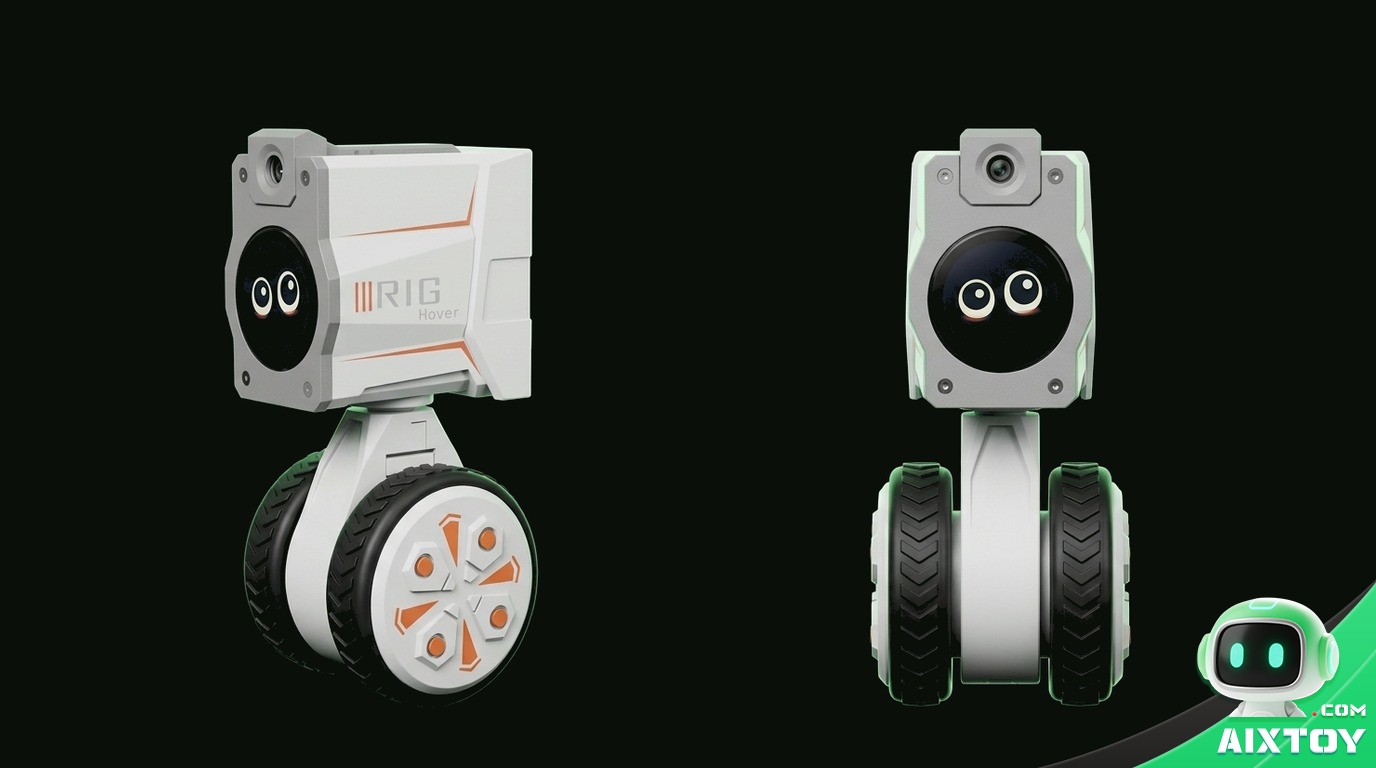
The software core is an open firmware project called RIG-Omni: one codebase that builds into three different machines — the five-servo quadruped Puppy, the two-wheel Hover, and the multi-servo arm ARM. You choose the board type in menuconfig at compile time.
The three forms are not equally mature. Based on the official material, the Hover build has the most complete balancing and expression support, while Puppy and ARM have thinner documentation and fewer published tests. Check the current repository before ordering parts, and do not assume all three are production-ready.
Hardware: Four Blocks on One Chip
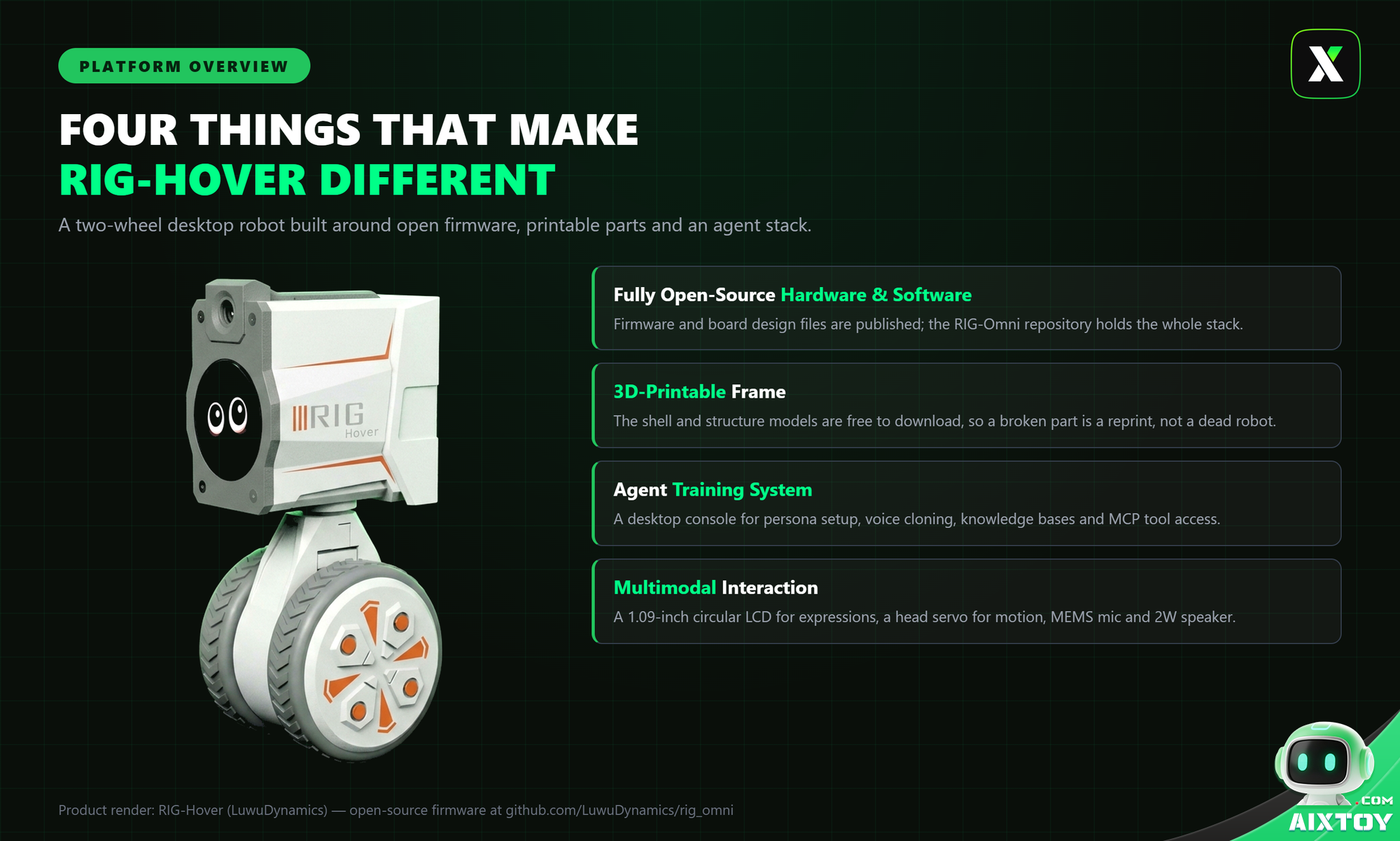
The whole machine resolves into four functional blocks, all hanging off a single ESP32-S3:
| Module | Code entry | What it does |
|---|---|---|
| Main controller | ESP32-S3 | Runs ESP-IDF, FreeRTOS, Wi-Fi, audio, display and motion control |
| Display | GC9A01 240×240 round LCD | SPI + LVGL + EAF expression animation |
| Attitude sensing | QMI8658C IMU | Reads roll, pitch and yaw over I2C for balance control |
| Head servo | XGO serial protocol, ID 3 | Turns the head left and right |
| Wheel motors | Serial FOC motors, ID 1 / 2 | Differential drive and self-balancing torque output |
| Audio | I2S mic / speaker | Wake word, ASR/TTS and prompt tones |
| Camera | ESP32 camera DVP | Optional photo capture tool |
| Buttons / touch | Boot GPIO0 + Touch GPIO3 | Network setup, chat toggle, long-press NVS clear |
Wi-Fi and Bluetooth are integrated in the chip, so no external radio module is needed — voice recognition and gamepad control both ride on that link. The motion side pairs the QMI8658C with two FOC brushless motors that commutate from live rotor position, which makes them quieter and faster to respond than brushed alternatives.
Firmware Architecture: Three Tasks on One Chip
Balancing needs real-time computation, expressions need continuous refresh, and voice has to respond at any moment. One chip cannot do all three in a single loop, so the firmware runs on FreeRTOS and splits the work into independent tasks:
- Self-balancing — a high-frequency real-time task with the highest priority. Attitude data triggers it to pre-empt the CPU and stabilise posture; if it lags, the robot falls.
- Expression animation — a periodic task at the next priority. A refresh signal repaints the LCD to drive the animation.
- Voice wake-up — an event-driven task that sleeps and consumes no CPU until the wake word is detected, at which point it enters the AI conversation flow.
The files worth reading first: main/boards/hover/board_config.h (all Hover pins and board configuration), main/boards/hover/hover_board.cc (board entry point), main/boards/hover/xgo.cc (servo and wheel protocol, balance control, BLE entry), main/boards/hover/hover_debug_server.cc (web tuning server) and main/Kconfig.projbuild (build-time board selection).
Three task functions drive the motion stack: xgo_task calls xgo_control() in a loop to compute the balance value and send wheel and head commands; xgo_rx_task calls xgo_rx() to read motor feedback and update wheel speed, position and servo angle; and imu_task calls imu_read_once() to refresh roll, pitch, yaw and angular rates.
The Self-Balancing Loop, Explained
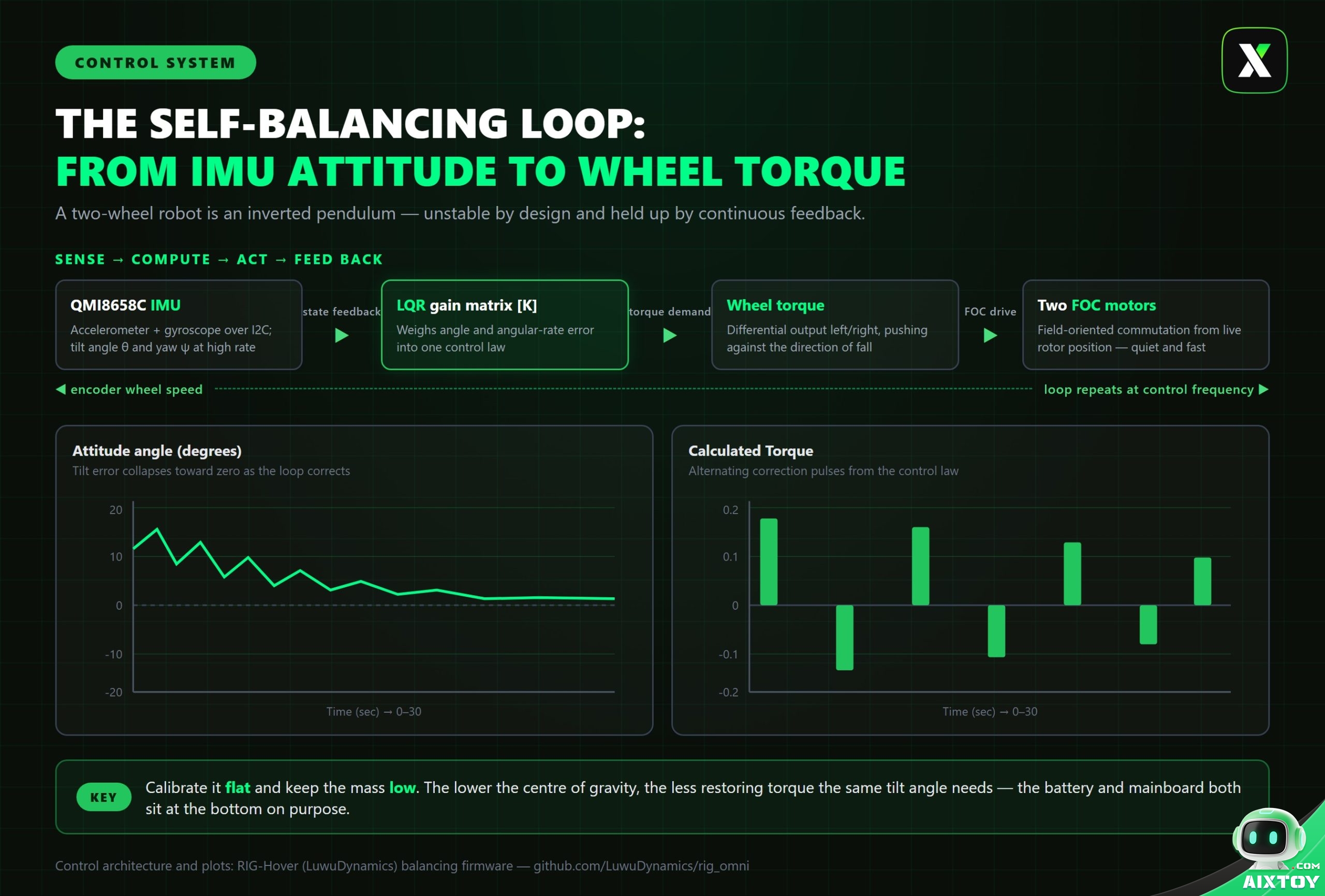
A two-wheel robot is an inverted pendulum: unstable by nature and held upright only by continuous feedback.
The first step is measuring tilt. At rest an accelerometer only sees gravity — laid flat, its reading is (0, 0, 1g). Tilt the robot and that gravity vector projects onto the horizontal axes, which is how the tilt angle is recovered. This is why calibration requires the robot to be genuinely level: the IMU is rarely soldered perfectly flat, and without calibration the firmware treats a tilted resting state as “level”.
The gyroscope measures angular rate. It is accurate over short intervals but drifts when integrated over time; the accelerometer is stable over the long run but noisy under vibration. Fusing the two — using the accelerometer to correct drift and the gyroscope to smooth jitter — is what produces a trustworthy attitude estimate.
The second step is output. When attitude drifts, the control loop computes a target torque from the error, and the two FOC motors apply differential torque, rolling against the direction of the fall to push the body back to a stable posture. Keeping the battery and mainboard low in the chassis lowers the centre of gravity: for the same tilt angle, a lower centre of gravity needs less restoring torque. The firmware also ships with a web server so you can watch motor data live and tune parameters while the robot runs.
Expressions, Vision and Voice
Expressions live on the circular LCD at the top of the robot and are driven by an animation engine called EAF. More than twenty expressions blend continuously — blinks, eye rolls and a talking mouth are not hard cuts. Expression is also tied to the body: the head servo turns, the wheels carry posture, and the face changes in step with the reply.
Voice is a classic embedded trade-off. The wake word runs locally; only after it triggers does the robot connect to a cloud large model for recognition and conversation. The ESP32-S3 simply does not have the SRAM to run a large model on-device, so the heavy lifting goes to the cloud. The firmware also exposes a tool framework: spoken requests can be turned into actions — drive forward, turn the head, run an expression — and it can call the camera to capture what it sees. On the desktop side, the console adds agent configuration, voice cloning, knowledge bases and MCP tool access.
Bringing It Up: Order Matters More Than Wiring
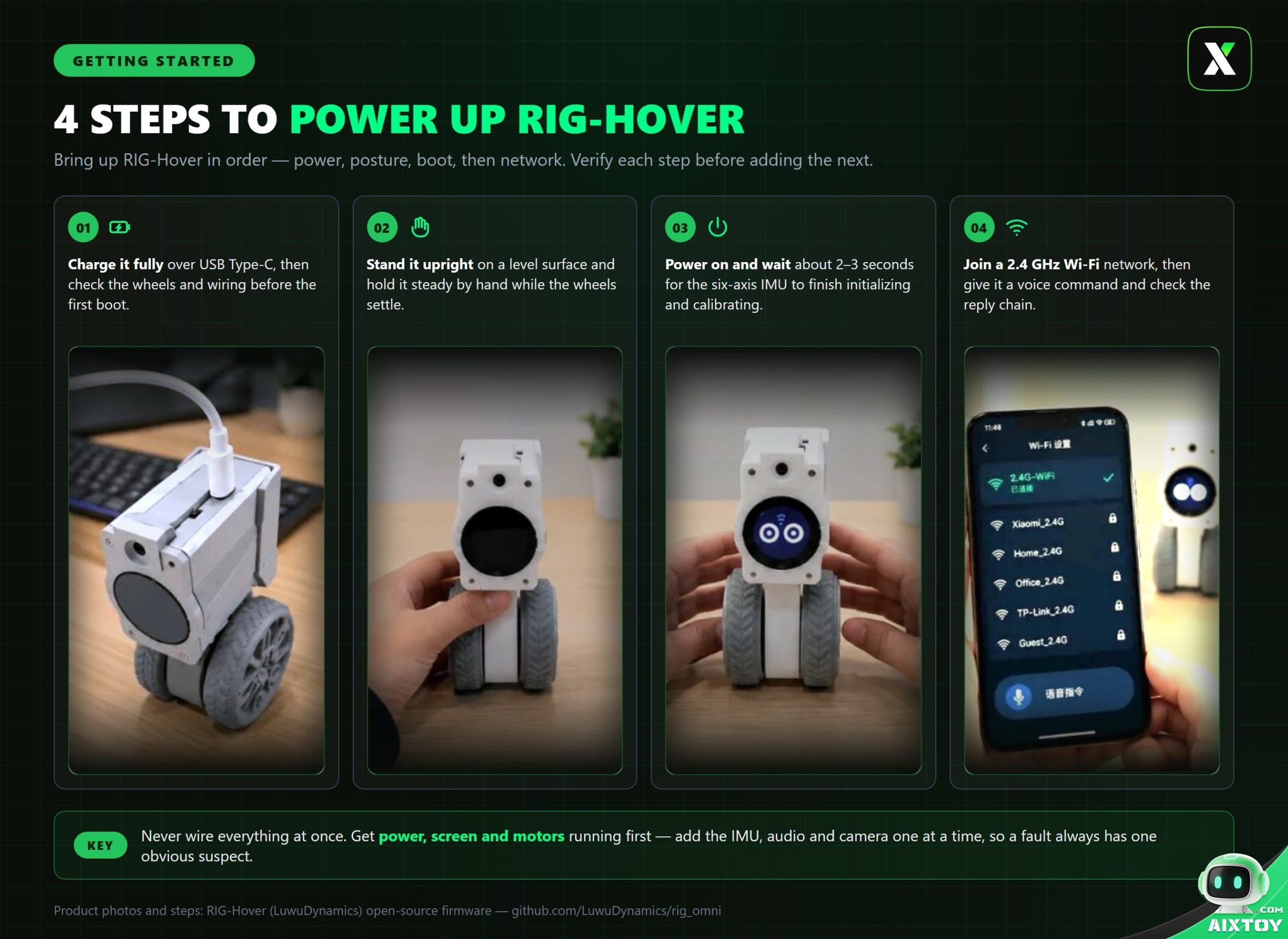
The first thing to do is not to connect every module at once. Start with the controller, screen and motor system. If the boot animation appears and the buttons respond, add the IMU, then audio, then the camera, one at a time. If you wire everything at once, a single bus or power problem becomes almost impossible to isolate.
Compile with the repository’s ESP-IDF project. Before flashing, be sure to select the board type in menuconfig — choose Hover — then compile and flash. The project ships with an official local flashing tool, so there is no toolchain scavenger hunt required.
Acceptance testing follows the same order. Place the robot flat and calibrate first, then let it stand. Once it holds balance, move on to voice: join the network and call the wake word, and if it answers, the whole chain is working. Leave the camera and the Bluetooth gamepad for last.
Common Pitfalls and Who This Is For
Two things trip up new builders. The first is skipping calibration — a robot that was never levelled treats its own tilt as zero and fights itself. The second is bringing up everything at once, which hides which subsystem is at fault.
RIG-Hover suits engineers who want a structured pass through embedded multi-tasking, sensor fusion and interaction development, and students or developers who want a movable robot on the desk that they can actually take apart. It is not a finished commercial robot: of the three form factors, Puppy and ARM are still being completed, and the Hover build is the one to start with.
If you would rather buy a working platform than build one, LuwuDynamics’ own hardware is already in our shop: the Rider-Pi self-balancing AI robot takes the same two-wheel balance problem onto a bigger, vision-equipped frame, and the Lulu open-source hexapod carries the open-source, 3D-printable idea out to six legs. Our breakdown of four open-source desktop robots compares the wider field of kits.
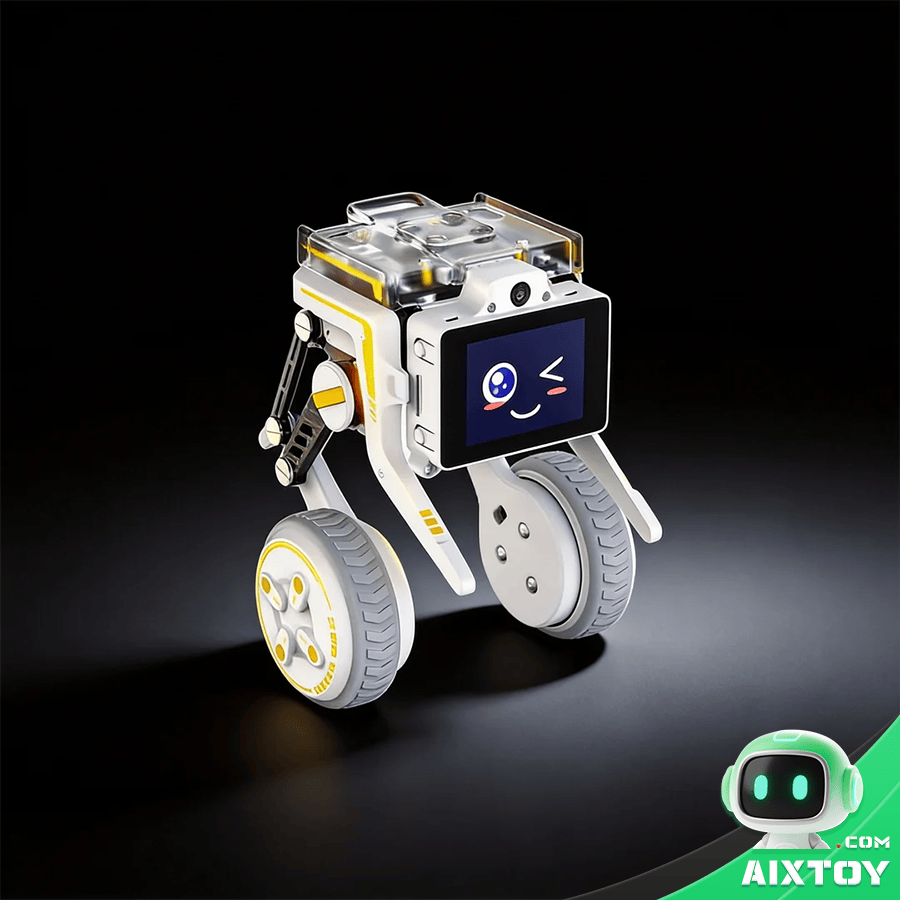
Rider-Pi Self-Balancing AI Robot
From $499.00
A two-wheel self-balancing robot with vision, built on Raspberry Pi 5 — the same balance problem as RIG-Hover, one step up in scale.
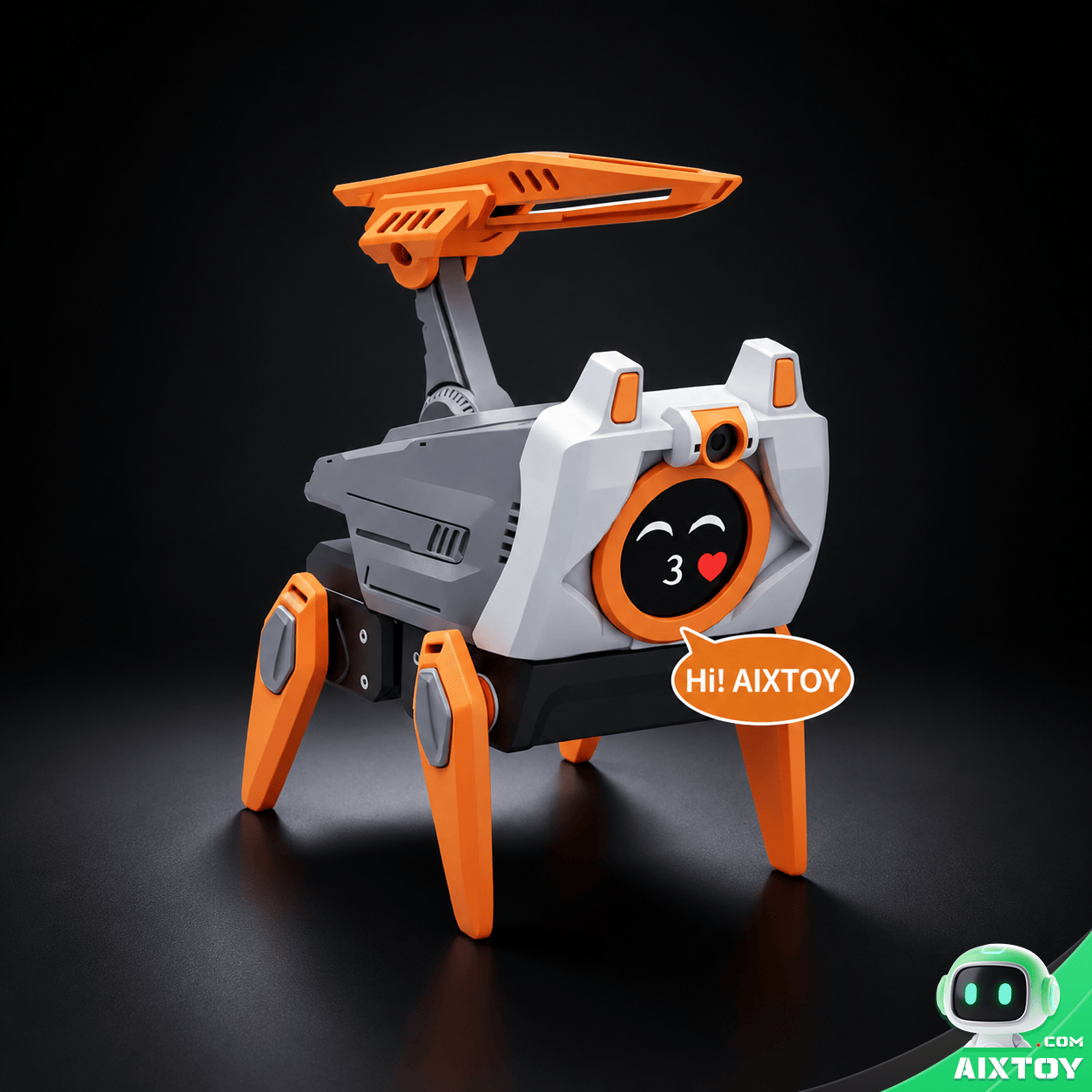
Lulu Open-Source 3D-Printable Hexapod
From $149.00
An open-source, 3D-printable six-legged robot: print it, build it, program it — the natural next project after a two-wheel balance build.
Resources
- Firmware (open source): github.com/LuwuDynamics/rig_omni
- 3D models: makerworld.com/en/models/2909205
- Documentation wiki: wiki.xgorobot.com/kb/pet-hover
- Flashing tools: tools.luwudynamics.ai
- Related reading: Hugging Face Microduck and MirrorMe Black Panther X — two more open robot platforms worth comparing.
Bottom Line
RIG-Hover is interesting precisely because it is small and honest: one chip, three tasks, two wheels and an open firmware tree you can read end to end. Bring it up one module at a time, calibrate it flat, and the balance loop does the rest.