

No products added!
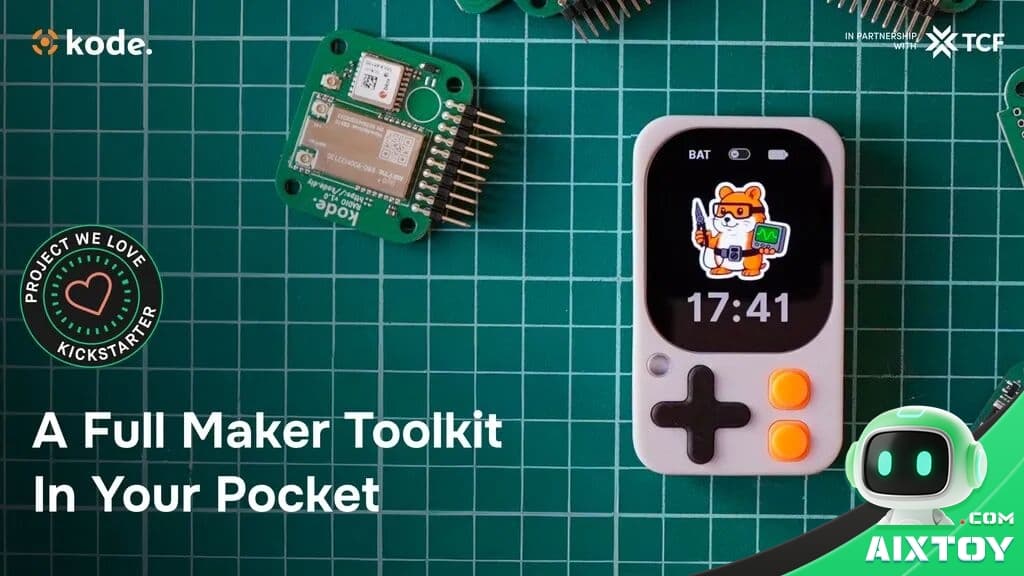
The maker community has been waiting for a truly portable, all-in-one ESP32 development device that doesn’t compromise on features — and the Kode Dot just might be the answer. This tiny 73×43×15mm powerhouse packs an ESP32-S3 processor, a vibrant 2.13-inch AMOLED touchscreen, a full 9-axis IMU, and built-in microphone and speaker into a package that fits in your pocket.
At AIXTOY Shop, we track the latest in embedded AI hardware, and the Kode Dot caught our attention as one of the most compelling maker platforms for 2026. Whether you’re prototyping an AI voice assistant, building a BLE remote controller, or teaching kids the fundamentals of embedded programming, this device delivers genuine versatility in a remarkably compact form factor.
What Makes Kode Dot Different?
Most ESP32 development boards fall into one of two camps: bare-bones breakout boards that need external displays and sensors, or bulky all-in-one kits that never leave the desk. Kode Dot bridges this gap. It integrates the ESP32-S3 — Espressif’s flagship dual-core LX7 processor running at 240 MHz — with 32MB of onboard flash and 8MB of PSRAM, plus a suite of sensors and I/O options that would normally require multiple breakout boards.
The standout feature is the 2.13-inch AMOLED touchscreen, a rarity at this price point and form factor. With deep blacks, wide viewing angles, and responsive capacitive touch, it turns the Kode Dot from a headless dev board into a fully interactive device. You can build apps with custom GUIs, display sensor readings in real time, or run a mini kodeOS dashboard — all without connecting to an external monitor.
Hardware Architecture: More Than Just an ESP32
At its core sits the ESP32-S3, but the peripheral integration is what sets this device apart. The board features a 9-axis IMU (3-axis accelerometer + 3-axis gyroscope + 3-axis magnetometer), enabling motion tracking, gesture recognition, and orientation sensing right out of the box. A built-in MEMS microphone and speaker driver open the door to voice-controlled projects — record audio, run wake-word detection, or build a pocket translator that taps into cloud AI models.
Hardware Specifications at a Glance
The spec sheet is impressive for a device this compact. Beyond the processor and memory, Kode Dot includes Wi-Fi 4 (802.11 b/g/n) and Bluetooth 5.0 LE for wireless connectivity, a microSD card slot for expandable storage, and a 500 mAh Li-Po battery that delivers around 2–3 hours of active use. The USB-C port handles both charging and programming, and the 20-pin GPIO expansion header exposes I2C, SPI, UART, ADC, and PWM — everything you need to connect external sensors, actuators, and modules.
At just ~40 grams, it weighs less than a typical smartphone. The magnetic back plate lets you snap it onto metal surfaces, fridge doors, or magnetic mounts — a thoughtful touch for IoT and smart-home projects.
GPIO Expansion: Connect Anything
The 20-pin GPIO header is the Kode Dot’s gateway to the physical world. It exposes the full set of ESP32-S3 peripheral interfaces:
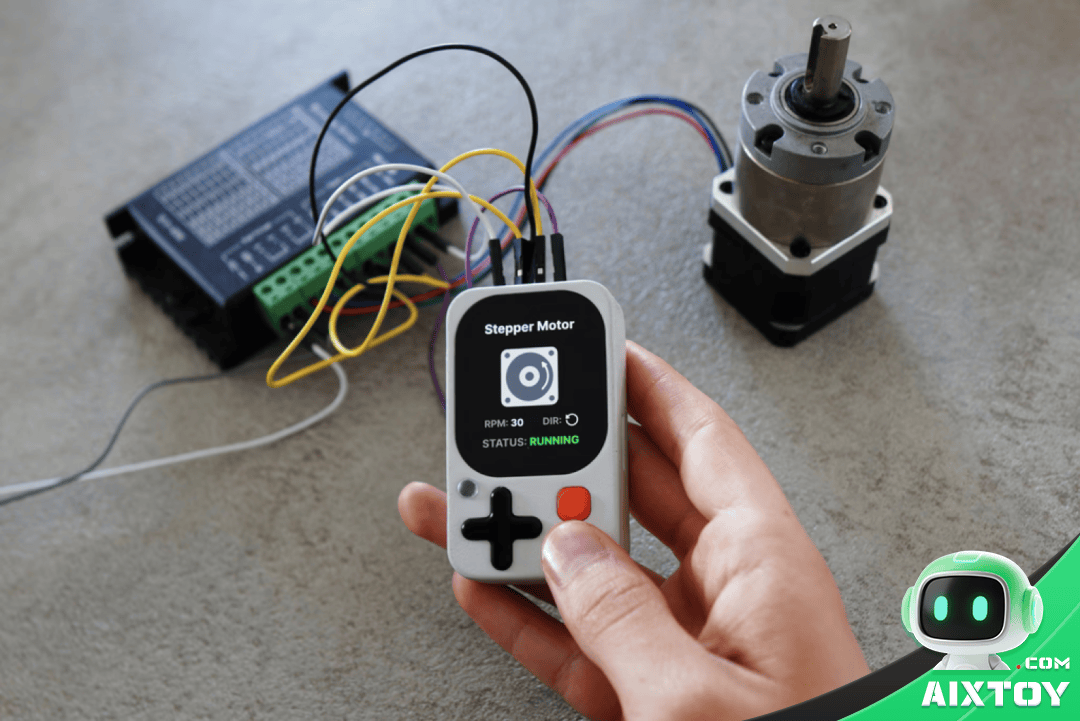
I2C for sensors like temperature/humidity monitors and OLED displays. SPI for high-speed devices like TFT screens and SD card readers. UART for serial communication with GPS modules, LoRa radios, and other microcontrollers. ADC channels for analog sensors — light, sound, potentiometers. PWM outputs for servo motors, LED strips, and buzzers. And direct GPIO pins for simple digital I/O.
This pinout is thoughtfully designed — power rails are clearly marked, and the pin spacing is breadboard-friendly. If you’ve ever struggled to remember which pin does what on a generic ESP32 board, the Kode Dot’s clear labeling and documentation are a welcome relief.
Feature Overview: Everything Built In
One of the biggest pain points in maker projects is the “rats nest” of jumper wires connecting separate modules for display, sensors, audio, and storage. Kode Dot eliminates that by integrating all these into a single board. The AMOLED display means you always have visual output. The IMU means motion sensing is always available. The microphone and speaker mean audio I/O is built in. Add Wi-Fi and BLE, and you have a self-contained platform capable of standalone operation in the field — no breadboard, no external modules, just the Kode Dot.
Internal Hardware Design
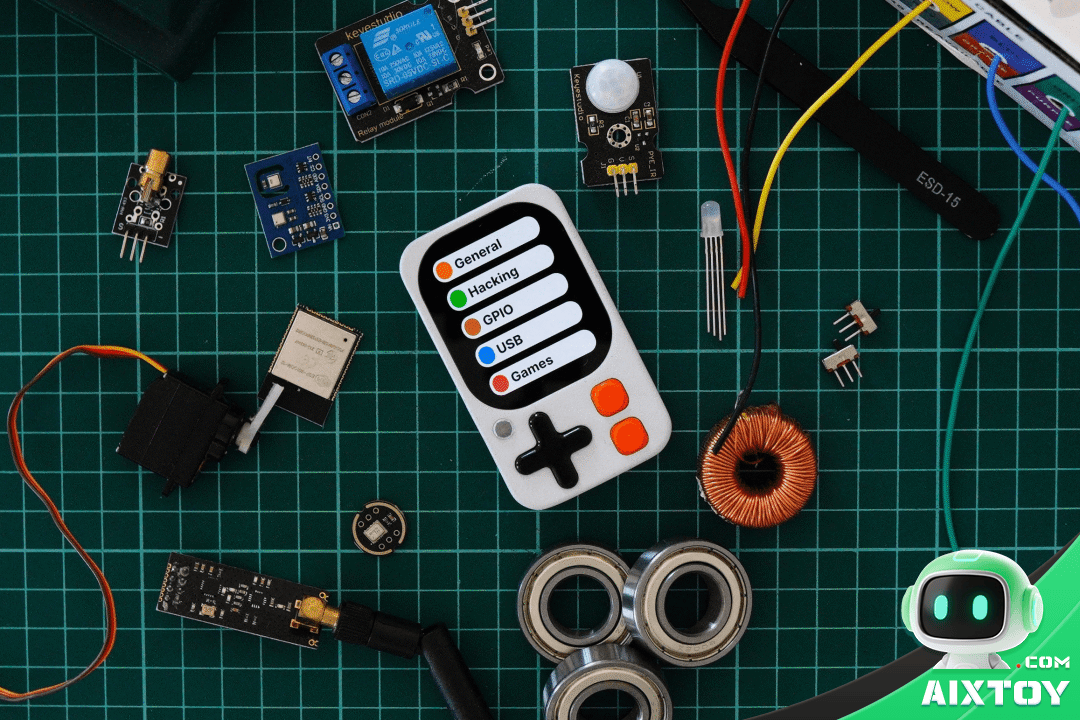
The internal layout reveals a densely packed but cleanly designed PCB. Components are logically grouped: power management on one side, RF and antenna on another, with the ESP32-S3 module centrally positioned for thermal balance. The AMOLED panel is bonded directly to the front glass for maximum clarity, and the battery sits beneath the main board. Even the speaker grille and microphone port are thoughtfully positioned for optimal acoustic performance.
The AI Angle: Connecting to Large Language Models
Where Kode Dot truly shines is in its ability to interface with cloud AI services. With Wi-Fi connectivity and sufficient compute to handle HTTP/WebSocket clients, the device can connect to DeepSeek, Qwen, OpenAI GPT, and Google Gemini models. Imagine a pocket-sized AI companion that listens through its built-in mic, processes your speech via a cloud LLM, and responds through the speaker — all running on a device you built and programmed yourself.
The GPIO expansion takes this further. Using the serial output from an AI conversation, the Kode Dot can control IoT devices via GPIO: toggle lights, drive motors, read sensors — essentially bridging natural language to physical action. This is not just a dev board; it’s a platform for building AI-powered embedded systems.
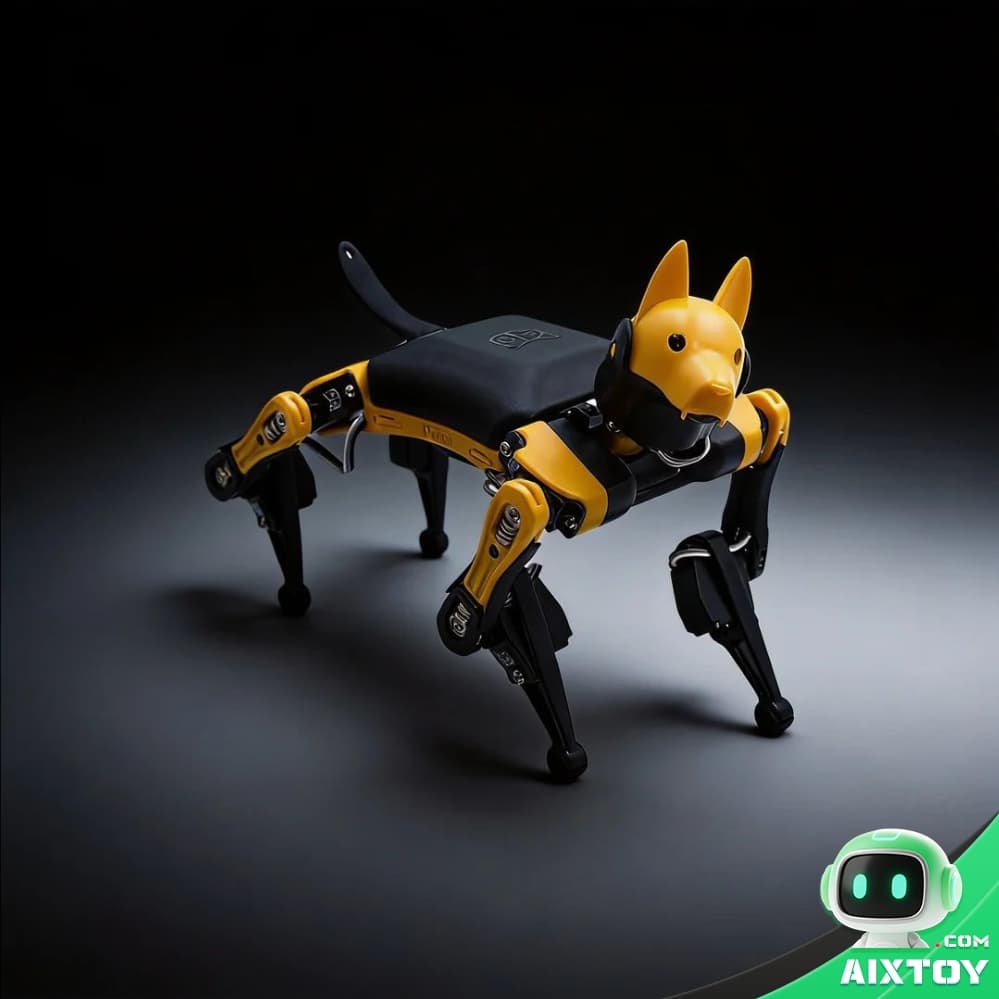
For readers interested in AI-embedded hardware, we’ve featured similar innovations on the AIXTOY Blog. If you’re looking for ready-to-run programmable robots, check out our AI Companions & Robots category — products like the Bittle X programmable robot dog (Arduino/ESP32-based) and Rider-Pi (Raspberry Pi robotics kit) bring similar maker-friendly principles in pre-assembled packages.
Development Environment: Arduino, PlatformIO, and ESP-IDF
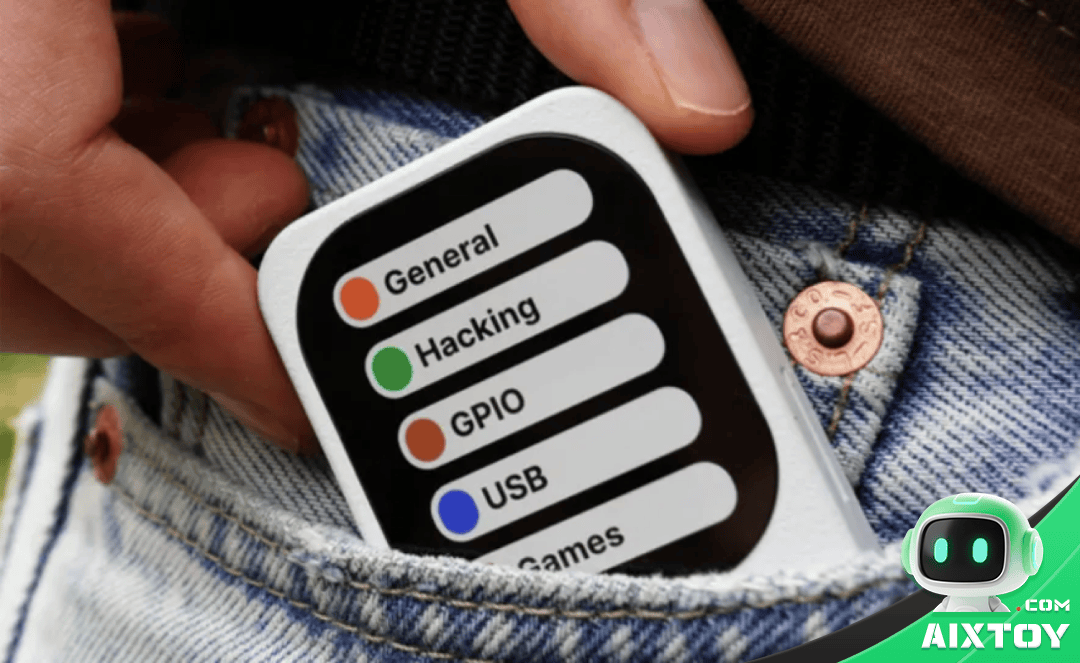
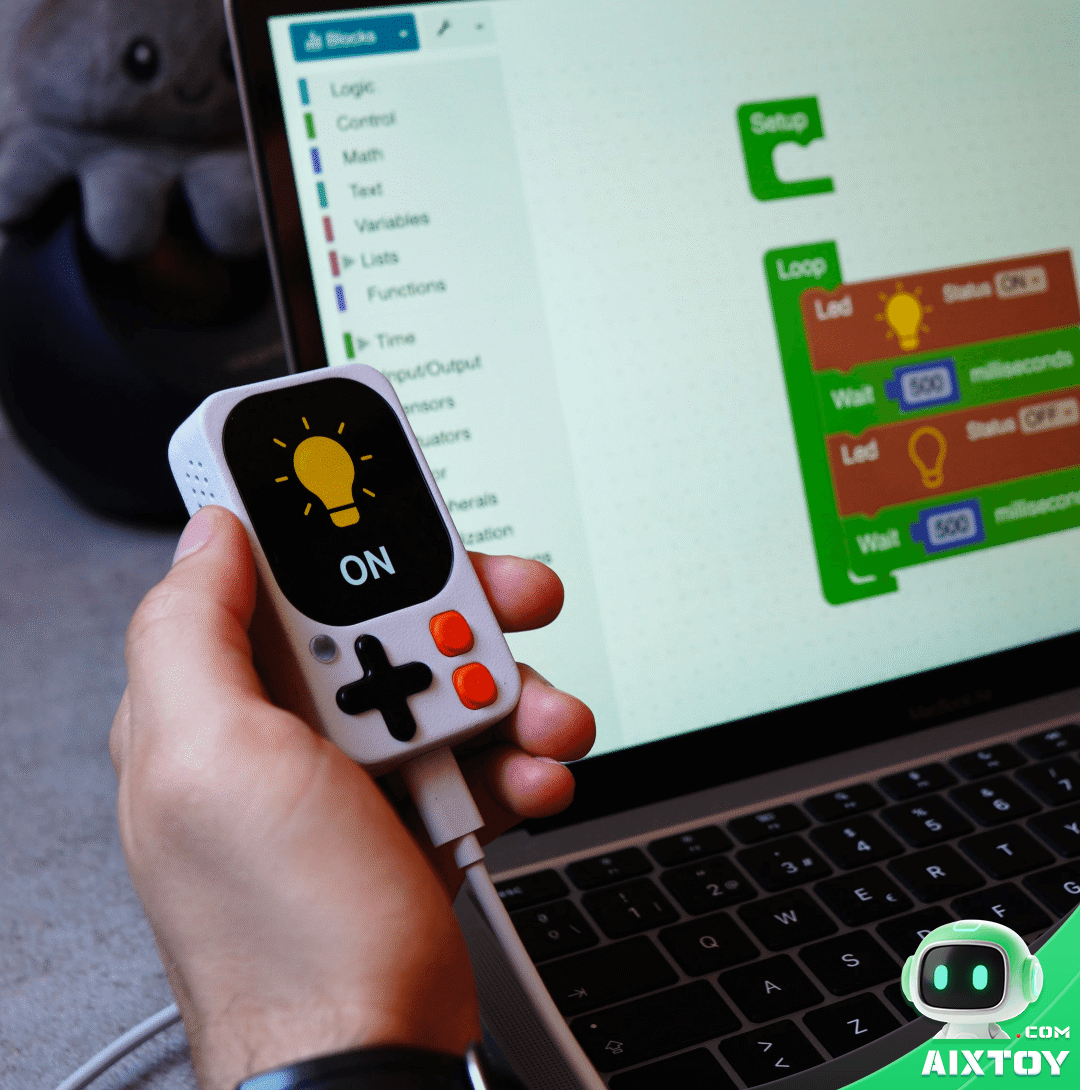
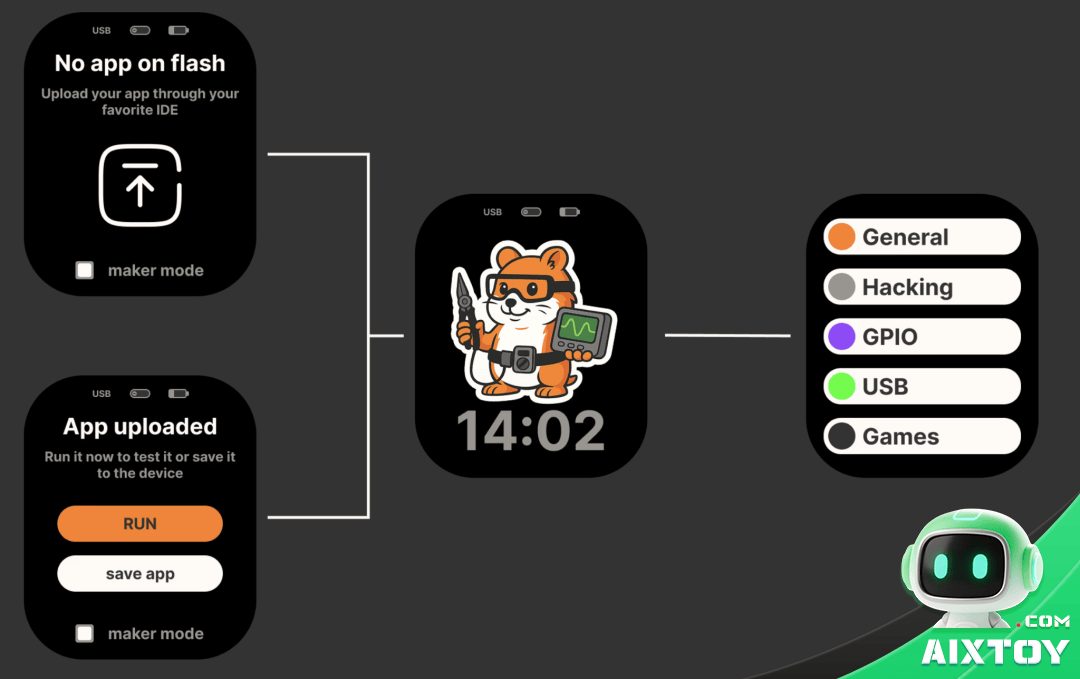
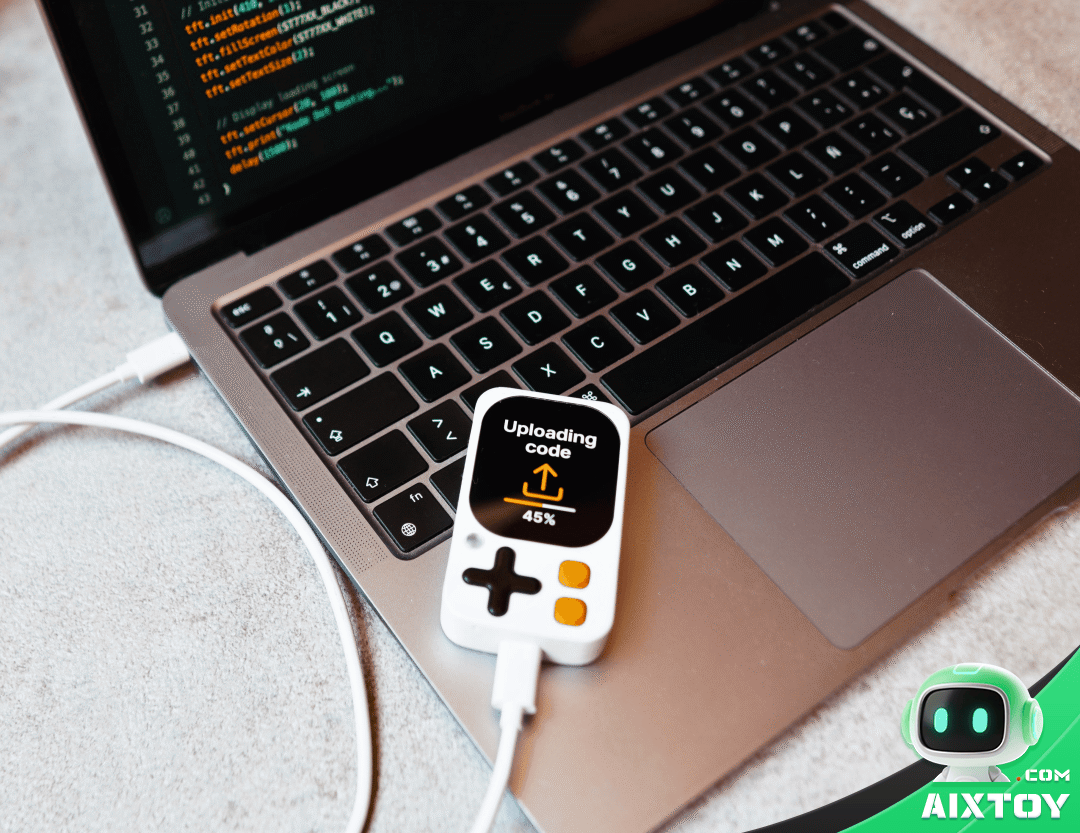
Kode Dot supports the three major ESP32 development ecosystems — Arduino IDE for beginners, PlatformIO for professional workflows, and ESP-IDF for bare-metal optimization. The companion kodeOS firmware provides a lightweight application framework with OTA updates, app management, and a built-in GUI toolkit for the AMOLED display.
For beginners, the Arduino library ecosystem means instant access to thousands of sensor drivers, display libraries, and communication protocols. For advanced users, ESP-IDF unlocks the full potential of the ESP32-S3: dual-core FreeRTOS tasks, hardware-accelerated cryptography, and low-level peripheral control. The learning curve is gentle at the start and steep when you want it to be — exactly what a good maker platform should offer.
Real-World Size: Truly Pocket-Sized
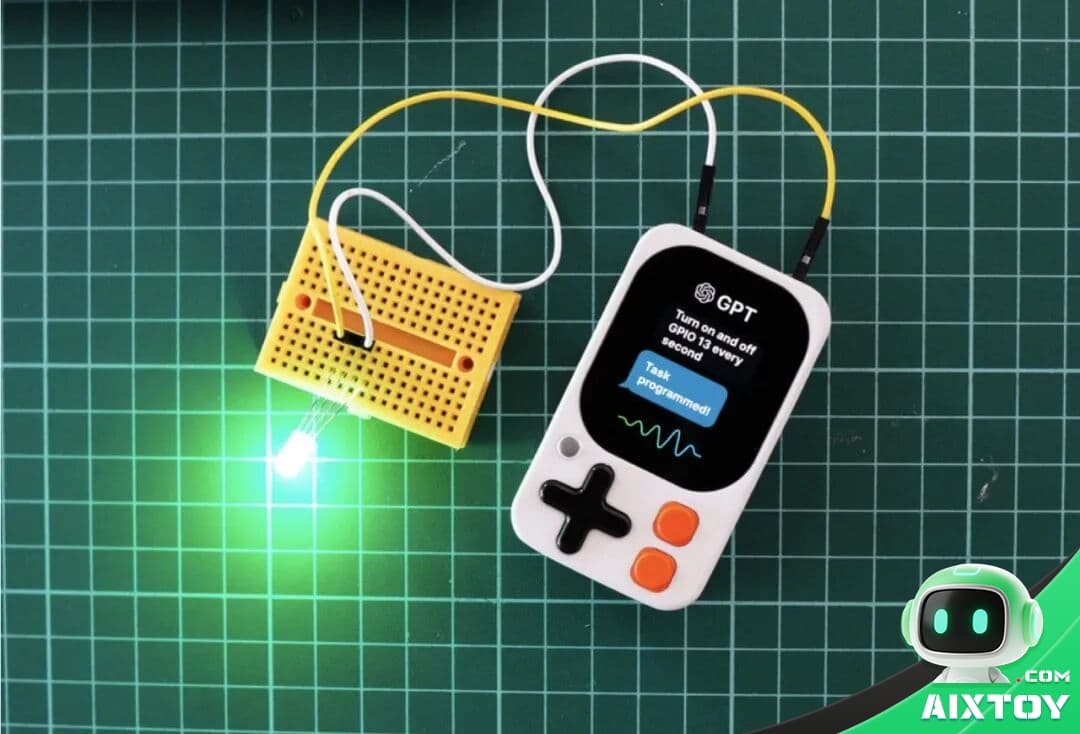
Numbers on a spec sheet only tell part of the story. In the hand, the Kode Dot feels genuinely tiny — about the size of two postage stamps side by side. The AMOLED display is bright and crisp, the touch response is smooth, and the overall build quality punches above its weight class. The magnetic back is stronger than expected; it holds firmly to metal surfaces with no wobble.
Who Is Kode Dot For?
STEM educators will love the all-in-one design — no more hunting for matching displays, sensors, and batteries before every class. Students can go from unboxing to a working project in minutes, and the touchscreen GUI capabilities make their creations feel like real products, not breadboard prototypes. For younger learners, simpler entry-point products like the Minions AI Robot or Smart Mechanical Dog at AIXTOY Shop offer a gentler on-ramp to the world of robotics and coding.
IoT developers get a ready-made platform for smart-home controllers, environmental monitors, BLE beacons, and edge computing nodes. The built-in battery and compact size mean deployment scenarios that would be impractical with larger boards.
AI enthusiasts can experiment with on-device inference (ESP32-S3 has vector instructions for ML acceleration) and cloud AI integration — voice assistants, smart remotes, and AI-powered sensor hubs are all within reach.
Hobbyist makers who just want a fun, capable device to tinker with will find endless possibilities. From retro game emulators to creative IoT projects, the Kode Dot is limited mainly by your imagination.
Final Verdict
The Kode Dot fills a genuine gap in the ESP32 ecosystem — a truly portable, sensor-rich, display-equipped development platform that doesn’t sacrifice I/O for size. It’s not a replacement for a full-sized ESP32 dev kit when you need 40 GPIO pins, but for the vast majority of maker projects — especially those involving AI, voice, or portable sensing — it’s a compelling all-in-one solution.
The build quality is solid, the AMOLED display is genuinely excellent, and the magnetic modularity is a clever touch that encourages creative mounting. The development toolchain support (Arduino, PlatformIO, ESP-IDF) means you won’t be locked into a proprietary ecosystem.
If you’re looking for a pocket-sized platform that can grow with your skills — from blinking an LED to building an AI-powered voice assistant — the Kode Dot deserves a spot in your toolkit.
Tags:AIXTOYAMOLED DisplayESP32-S3KickstarterKode DotMaker DeviceOpen Source HardwarePocket ComputerProgrammable RobotSTEM Toy