

No products added!
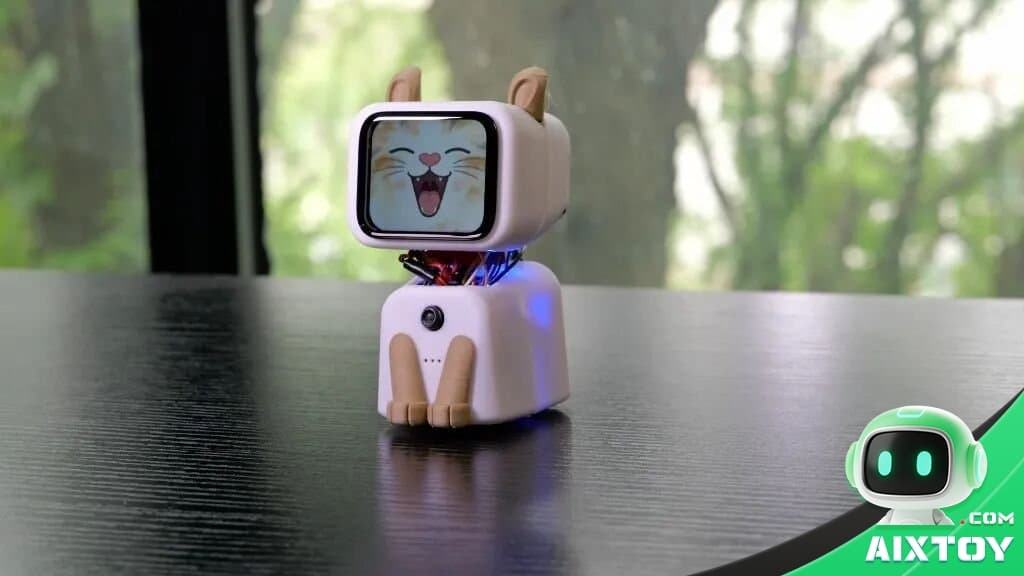
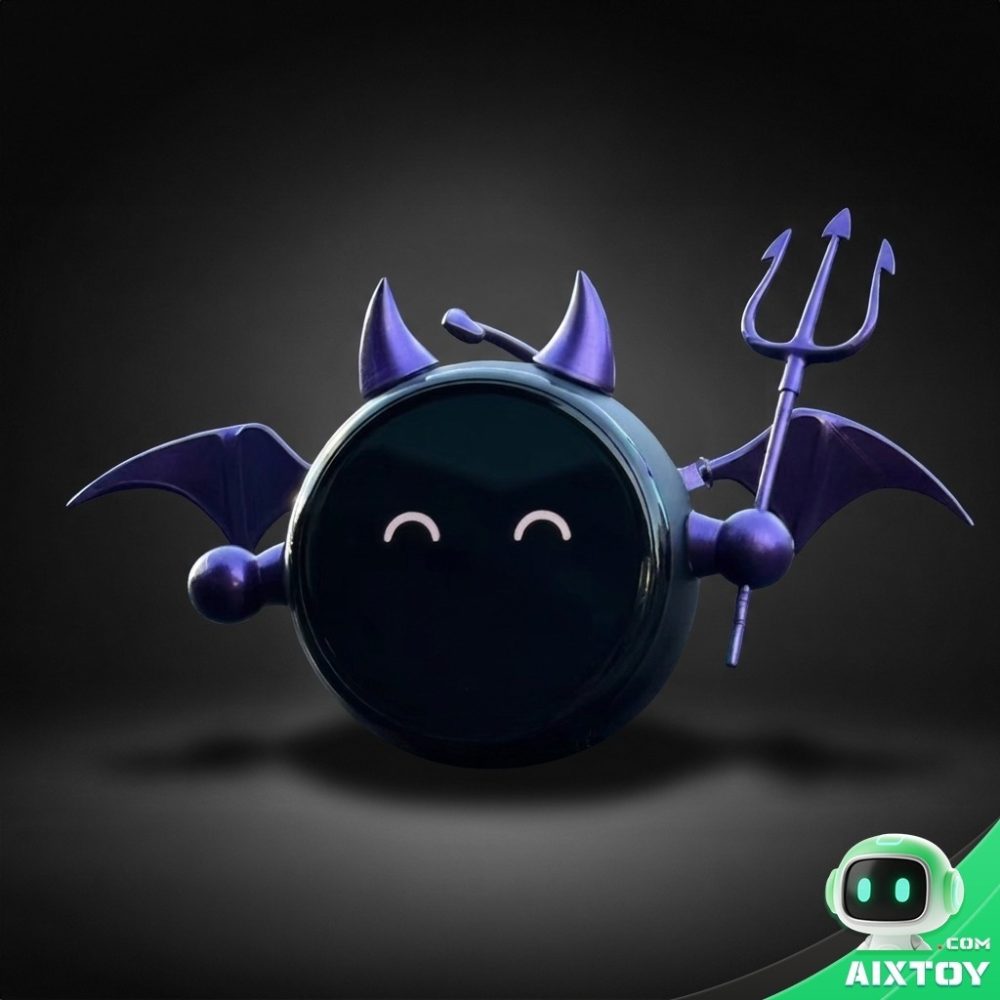
AICat is a fully open-source hardware and software project that turns a Seeed XIAO ESP32S3 Sense development board into an adorable desktop robot cat — one that talks, makes expressions, and moves.
Powered by Alibaba Cloud’s Qwen3.5 Omni model, AICat integrates a screen for animated expressions, a camera, microphone, speaker, servo-driven movement, and a web-based control console — all wrapped in a 3D-printed cat shell. The entire project is open-source: 3D print files, Arduino firmware, and Python backend are all available for anyone to replicate or remix.
Multiple Ways to Interact
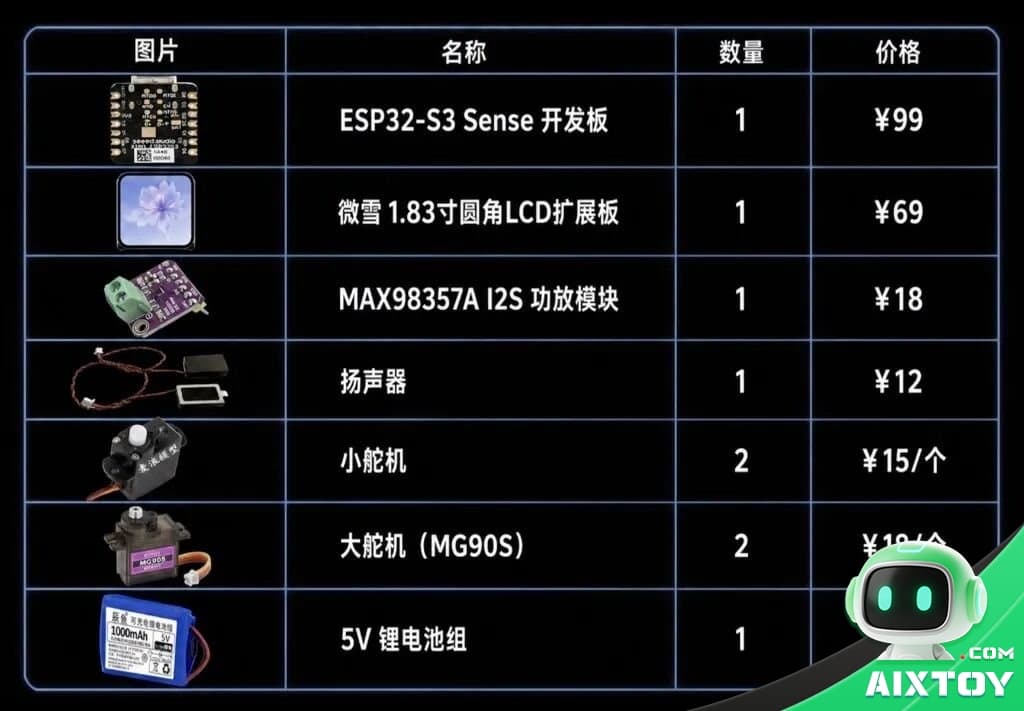
The 1.83-inch rounded ST7789 SPI display shows animated expressions and status text. The onboard camera streams a real-time feed to the web console, where you can see through the cat’s eyes and remotely control its expressions, voice, and servos. For voice, the onboard microphone captures your speech, sends it via Wi-Fi to the Python backend for ASR speech recognition, which queries Qwen3.5 Omni for a response, then plays it through a MAX98357A I2S amplifier — all over your local network.
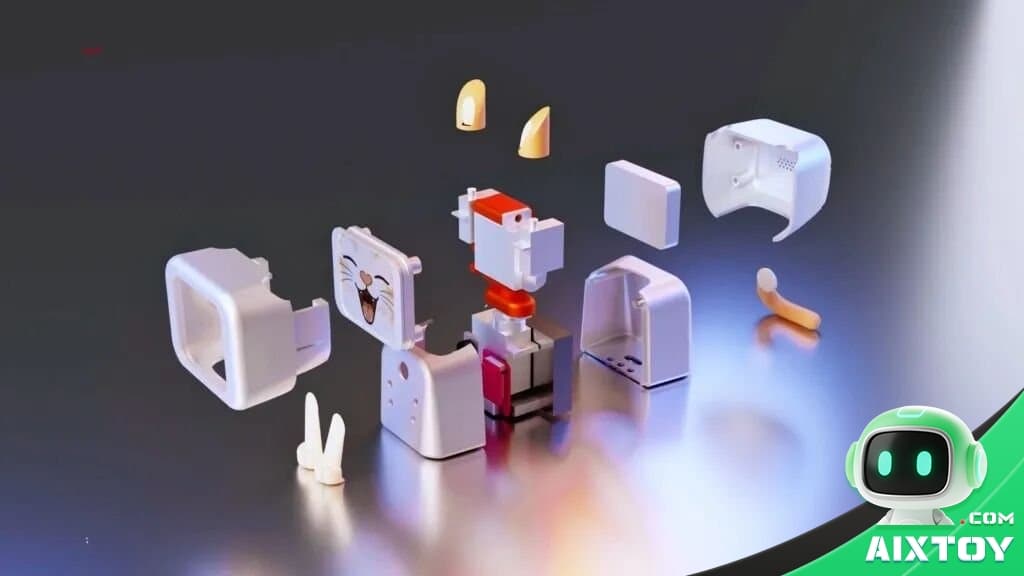
Dual Servo System
Motion is handled by two control systems: a PCA9685 PWM driver board manages small servos for mouth opening, tail wagging, ear rotation, while STS3032 bus servos independently drive the four legs for walking, sitting, and jumping. Power is critical — servos must use an external 5V supply with a shared ground, never directly from the ESP32 pins.
What You Need to Get Started
- Hardware: XIAO ESP32S3 Sense version (must have the camera expansion board and onboard mic — standard version won’t work), plus servos, display, and 3D-printed shell.
- Software: Python 3.10–3.12 for the backend, Arduino IDE for firmware, and an Alibaba Cloud DashScope API Key for AI conversations.
- Setup: Enable PSRAM in Arduino board settings for camera and animation buffer memory. Fill in your Wi-Fi credentials and the backend server’s LAN IP before compiling.
- Firmware: Expression files must be converted to batch header files and burned to the ESP32’s LittleFS filesystem with a dedicated tool — keep the custom partition table consistent or your Flash data will be wiped.
The creator, AI-FanGe, has outlined future plans: a more stable shell design, web-based Wi-Fi configuration, swappable expression packs, emotion-mapped movements, and battery power with low-battery protection.
The project is 64.1% Python and 34.1% C++. Find the full source code at GitHub: AI-FanGe/AI_DesktopCat_Qwen3.5Omni.
At AIXTOY, we love open-source innovation in the AI toy space. Explore our desktop robots, DIY robot kits, and shop the full collection.
Tags:Esp32Open SourceDesktop RobotQwenAI ToyAIXTOYDiy3D PrintingArduinoRobot Kits